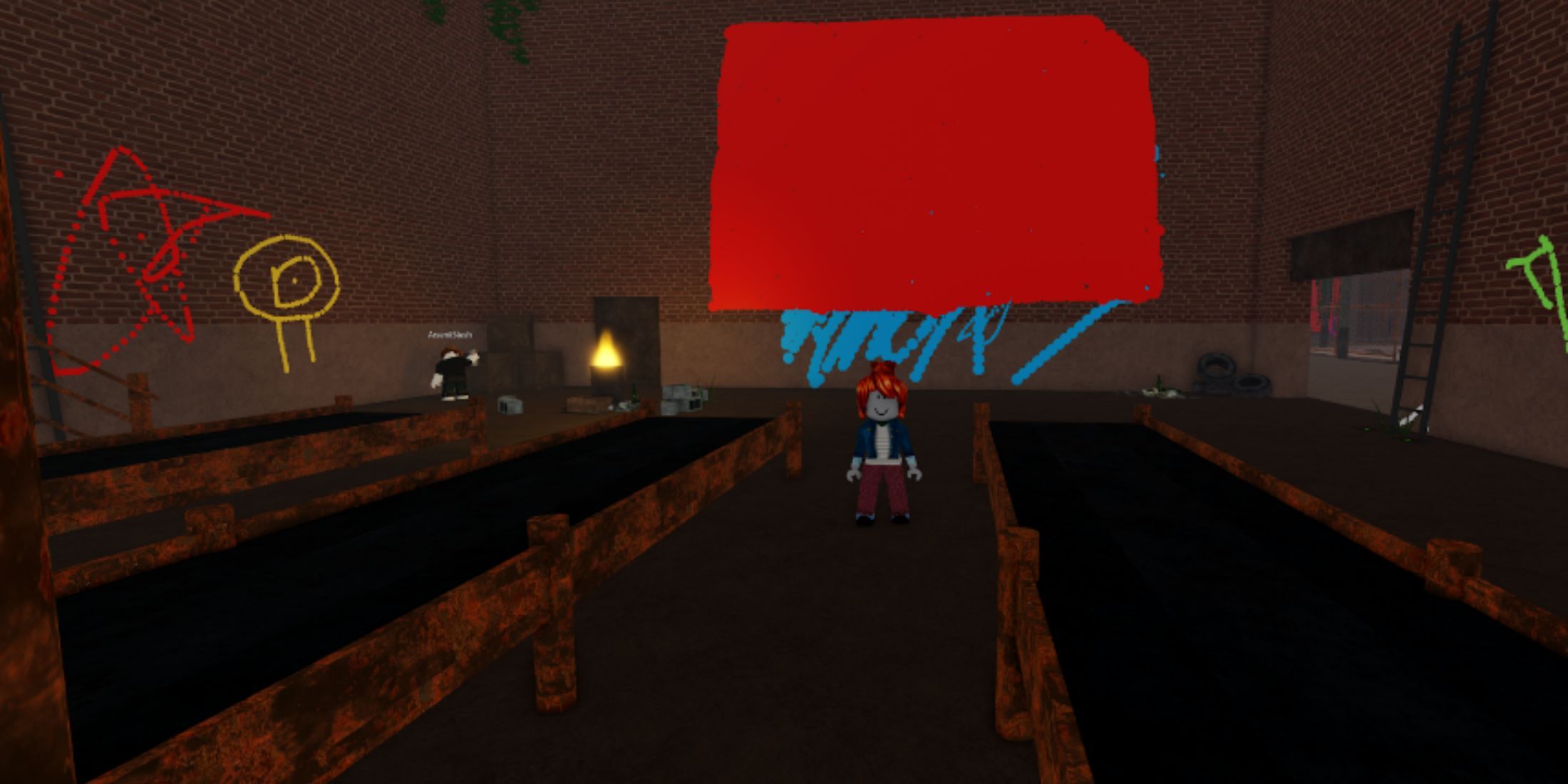
You're standing in front of a blank brick wall in "Spray Paint!" or maybe you're trying to add some flair to your own hangout. You’ve got the canister equipped. You’re ready to leave your mark. But then you realize that staring at a blank UI box asking for an Image ID is basically the gamer version of writer's block. Most people just go to the library, type in "cool," and pray. It doesn’t work.
Actually, finding Roblox spray paint codes that don't get moderated into oblivion within ten minutes is getting harder. Roblox has been tightening the screws on decals lately. If you've noticed a lot of gray "broken image" icons where your favorite graffiti used to be, you aren't alone. The ecosystem is shifting.
The Reality of How Roblox Spray Paint Codes Actually Work
Let's get the technical headache out of the way first because everyone confuses Decal IDs with Image IDs. They aren't the same. Honestly, it’s annoying. If you find a cool poster in the Roblox Creator Store and grab the ID from the URL, it might not work in the spray paint tool. Why? Because the Decal ID is like a wrapper, and the Image ID is the actual candy inside. Most spray paint scripts in games like Spray Paint! or Public Uproar require the internal Image ID.
How do you find the real one? You basically have to subtract 1 from the ID number until it works, or use a browser plugin like BTRoblox to see the "Actual ID." It’s a chore. But once you have that string of numbers, you're golden.
Popular Aesthetic and Street Art Codes
If you’re looking for things that actually look like graffiti and not just a random meme stuck to a wall, you have to look for "Transparent" tags. Nobody likes a big white square around their tag. It looks amateur.
- Classic Grunge Graffiti: 8033242030 – This one gives that authentic drip look.
- The "Error" Aesthetic: 7074338734 – Great for tech-themed builds or just being a nuisance.
- Neon Symbols: 6851214041 – These pop really well at night in-game.
You’ve probably seen the "Noob" face everywhere. It’s 115041041. It’s iconic. It’s overused. Maybe don’t use it if you want to be taken seriously as a virtual street artist.
Why Your Codes Keep Breaking
Roblox is aggressive. They have to be. With millions of kids on the platform, their moderation bots are constantly scanning every new upload. This is why "working" code lists from 2023 are basically useless now. If an image contains even a hint of a "restricted" word or a weirdly shaped shadow that the AI misinterprets, it's gone.
If you're trying to use Roblox spray paint codes and getting that annoying red text or a blank space, it’s usually one of three things. First, the asset was deleted by the creator. Second, the moderation bot flagged it for "Safety." Third—and this is the one people forget—the game developer might have a "whitelist." Some games only allow specific IDs to prevent people from bypass-spraying inappropriate stuff.
It sucks, but it keeps the game from getting deleted by Roblox staff.
Creating Your Own Custom Tags
Honestly? The best way to ensure your spray paint never breaks is to make it yourself. You don’t need to be a Photoshop wizard.
- Use a site like Canva or even MS Paint.
- Make the background transparent (this is the most important part).
- Export as a PNG.
- Upload it to the "Decals" section of the Roblox Create page.
Wait about ten minutes for the mods to approve it. Once it's up, look at the URL. See those numbers? That’s your code. You own it. It won't disappear unless you break the Terms of Service. It’s much more satisfying to see your own handle on a wall than some random anime girl someone else uploaded three years ago.
The Culture of Digital Graffiti
There is a weirdly deep subculture in games like Spray Paint! by David. It’s not just about clicking a wall. It’s about layers. The pros use small brush sizes and high transparency settings to blend colors. They use codes for "shading" and "texture" rather than just full images.
I’ve seen people spend three hours on a single mural, only for a "griefer" to come by with a giant white brush and erase it in two seconds. It’s heartbreaking. But that’s the nature of the game. It’s ephemeral. If you want your art to stay, you’ve got to find a private server or a game that has a "layer lock" feature.
Avoiding the Ban Hammer
Listen, it’s tempting to try and find "bypassed" codes. You know the ones—the images that sneak past the filters. Don't do it. Roblox has been handing out IP bans and hardware bans more frequently lately. It’s not worth losing an account you’ve had since 2016 just to spray a meme that’s slightly edgy.
Stick to the verified stuff. If you're looking for a specific vibe, search the Creator Store for keywords like "Vaporwave," "Cyberpunk," or "Sketch." Sort by "Recently Updated" to find codes that haven't been nuked by the mods yet.
Making Your Spray Paint Stand Out
Most players just slap a code on a wall and walk away. To actually make it look good, you need to understand the surface. If you’re spraying on a brick wall, lower the opacity of your spray. It makes the "texture" of the bricks show through the paint, which looks way more realistic.
Also, consider the scale. A tiny tag in a massive hallway looks lonely. A massive mural in a tiny room feels claustrophobic. Context is everything.
Pro-Tips for Finding Fresh IDs
- Check the Library Daily: The "Top Rated" section is usually full of safe, working codes.
- Follow Creators: Some artists on Twitter (X) or Discord specifically create "Asset Packs" for Roblox. They’ll drop a thread of 50+ codes that all share a similar color palette.
- The Subtract-One Trick: If a Decal ID is
12345678, try12345677in the game's ID box. It works about 60% of the time to find the underlying Image ID.
The Future of Spraying on Roblox
With the move toward "User Generated Content" (UGC) and more advanced engine features, we might eventually see dynamic spray painting that actually interacts with lighting. For now, we're stuck with static decals. But even within those limits, the creativity is insane.
Using Roblox spray paint codes is basically the simplest way to customize a world that isn't yours. It's a way to claim space. Whether you're a serious artist or just someone who wants to put a "Keep Out" sign on their fort, those strings of numbers are your tools.
To get started right now, go to the Creator Store, filter for "Images," and look for things with a "Transparent" background. Copy that ID. If it doesn't work, remember the subtraction trick. It'll save you a lot of frustration.
Before you head into your next session, take five minutes to upload your own custom logo. It's the only way to make sure you always have a "signature" that works, no matter what happens to the public ID lists. Go into your dashboard, hit "Assets," then "Decals," and upload your PNG. Once it passes moderation, you'll have a permanent code that is uniquely yours.
Next Steps for Mastery
Start by organizing your own "Code Book." Keep a simple notepad file on your desktop with your favorite IDs categorized by "Tags," "Characters," and "Textures." This saves you from hunting through the buggy Roblox search engine every time you change servers. Next, experiment with the "Z-index" in games that allow it; layering a "Drip" code over a "Solid Letter" code is the easiest way to make your graffiti look professional instead of flat. Finally, always check the "Last Updated" date on any public code list you find online—if it hasn't been refreshed in the last three months, half the IDs are probably dead. Stick to your own uploads for the most reliable results.